
Smart Cards Update
Smart Cards for Saved Links: Save with Context in LinkBook
If your iPhone read-later list looks like a wall of identical URLs, the problem is not memory. It is missing context. A saved link is only useful when you can recognize it quickly.
LinkBook is an iOS read later app and link organizer that turns supported URLs into Smart Cards, adding source-aware context right where you save and revisit links.
In this guide
- What smart cards for saved links are and why they matter.
- Why raw URLs become clutter as your library grows.
- How LinkBook Smart Cards work in everyday workflows.
- What is new in this release, including Premium iCloud Sync.
What are smart cards for saved links?
Smart cards for saved links are link preview cards that attach structured context to each URL. Instead of storing a bare link and guessing later, you see useful details in your library at a glance.
In LinkBook, Smart Cards help you:
- Identify links quickly with source-aware previews.
- See key metadata and highlights without opening each item.
- Triage faster so you keep what matters and skip what does not.
That scan-and-decide moment is where Smart Cards save real time, especially if you collect links all day.
Try LinkBook on iPhone
Install in 30 seconds, save your first link from Share Sheet, and see Smart Cards immediately.

Why raw URLs turn into clutter
Most read-later tools stop at "stored successfully." That is fine for ten links. It breaks down at a hundred.
- You forget why you saved an item.
- Important links get buried under maybe-later content.
- You reopen links repeatedly just to remember what they are.
Smart Cards solve this exact problem by restoring context to every saved link.
How LinkBook Smart Cards work
The flow is simple: save a link, and when LinkBook can enrich it, it appears as a Smart Card in the same feed you already use.
LinkBook is built for real usage with large libraries:
- Cards stay fast while you scroll through large libraries.
- You can refresh cards when the source content changes.
- Unsupported links still stay clean and readable.
You get Smart Cards when enrichment is available and a reliable saved link when it is not.
Supported Smart Card sources in LinkBook
LinkBook currently supports Smart Cards for:
Reference and knowledge
- Wikipedia
- Recipes
Development and technical
- GitHub
AI citations
- ChatGPT source links
Social and discovery
- X
- TikTok
Media and markets
- Spotify
- Stocks links
- Polymarket links
Feature highlights for a practical iOS link organizer
Smart Cards are the headline feature, but the full system is designed to stay usable as your library grows.
Keep your structure
You still organize your library your way with:
- Tags
- Folders
- Favorites
- Unread
- Filters
Smart Cards do not replace your organization system. They make it faster to scan and act on.
Built for fast capture and later review
- Quick recognition of source and content type.
- Enough context to decide open now versus later.
- A clearer feed that keeps momentum when triaging saves.
Privacy-first by default
LinkBook is designed as a local-first app with encrypted on-device storage. No account is required for core features.
You can keep a reliable read-later workflow without turning your reading history into another online profile.
Practical use cases for Smart Cards
1) Research workflow on iPhone
- Save links quickly as you discover them.
- Scan later and recognize each item instantly.
- Open only high-value links, then tag the rest for retrieval.
2) Developer and reference saves
If you collect GitHub and reference links, Smart Cards make dense technical lists easier to parse and revisit.
3) Social saves that stay actionable
Smart Cards turn "I will remember this later" into immediate recognition when triaging saves from X, TikTok, Instagram, LinkedIn, and Pinterest.
4) Recipes you actually revisit
With recipe carding support, your saved list feels like meal ideas, not anonymous URLs.
5) One library for media and markets
Keep Spotify, stocks, Polymarket, and reading links together without losing clarity.
6) Links and files in one reading queue
LinkBook Premium adds PDF and EPUB import, so longer documents can sit alongside saved links.
What is new in this update
- ChatGPT source links: source URLs and top referenced domains.
- LinkedIn links: cleaner structured previews for faster triage.
- Pinterest links: better carding for pins, boards, and profiles.
- Premium iCloud Sync: sync between iPhone and iPad on the same Apple ID.
Free vs Premium
LinkBook is fully usable without a purchase. Premium is for users who want to scale and sync their library.
Premium unlocks:
- Unlimited Smart Cards
- iCloud Sync between iPhone and iPad (same Apple ID)
- Local backups
- PDF and EPUB import
- Advanced Reader tools
Try Smart Cards with your own links
Start small. Save a handful of links you usually lose in bookmarks, like Wikipedia pages, GitHub references, social posts, recipes, or research sources. Smart Cards make your list easier to scan from day one.
If you are ready to scale, Premium adds unlimited Smart Cards and iCloud Sync across iPhone and iPad.
Download LinkBook (scan to install)
Ready to organize saved links with context? Scan the QR code to install LinkBook.
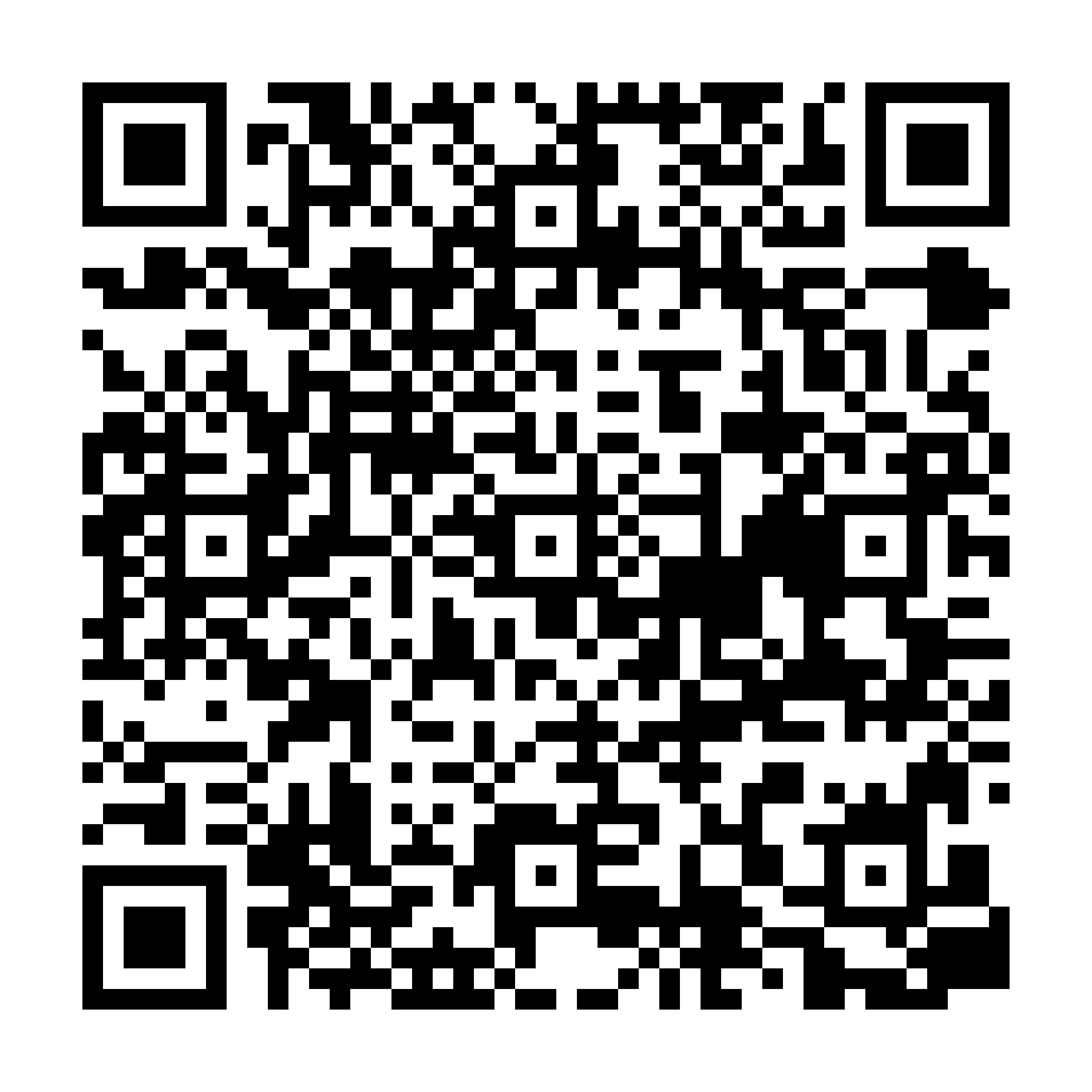
Scan to download
App StoreFAQ
What are smart cards for saved links in LinkBook?
Smart Cards are source-aware link preview cards that add structured context, key metadata, and quick recognition directly inside your saved list.
Which sites does LinkBook support for Smart Cards?
LinkBook currently supports Smart Cards for Wikipedia, GitHub, ChatGPT source links, X, TikTok, Spotify, recipes, stocks links, Polymarket links, Instagram, LinkedIn, and Pinterest.
Do I need an account to use LinkBook?
No. LinkBook is local-first with encrypted on-device storage, and no account is required for core features.
Can I save links and files in LinkBook?
You can save links in LinkBook, and LinkBook Premium adds PDF and EPUB import so files can live alongside your saved links.
Can LinkBook sync saved links between iPhone and iPad?
Yes. Premium iCloud Sync keeps your library synced between iPhone and iPad on the same Apple ID.
Ready to build your link library?
Download LinkBook and start saving in seconds.