Workflow Guide
Organize Research Links on iPhone: Sources, PDFs, AI Chats, and Notes
Research on iPhone usually starts clean and ends messy. You save one article in Safari, leave two PDFs in Files, keep a ChatGPT share link in Messages, screenshot a quote, and tell yourself you will remember why all of it mattered. Two weeks later, the source is technically saved but practically lost.
LinkBook is built for the point where a saved link becomes a source. It gives iPhone users a place to capture links, PDFs, EPUBs, AI chat sources, notes, highlights, folders, and Smart Cards without turning every research project into a tab pile.
In this guide
- A simple workflow for capturing research links from iPhone apps.
- How to group sources with folders, tags, notes, PDFs, and EPUBs.
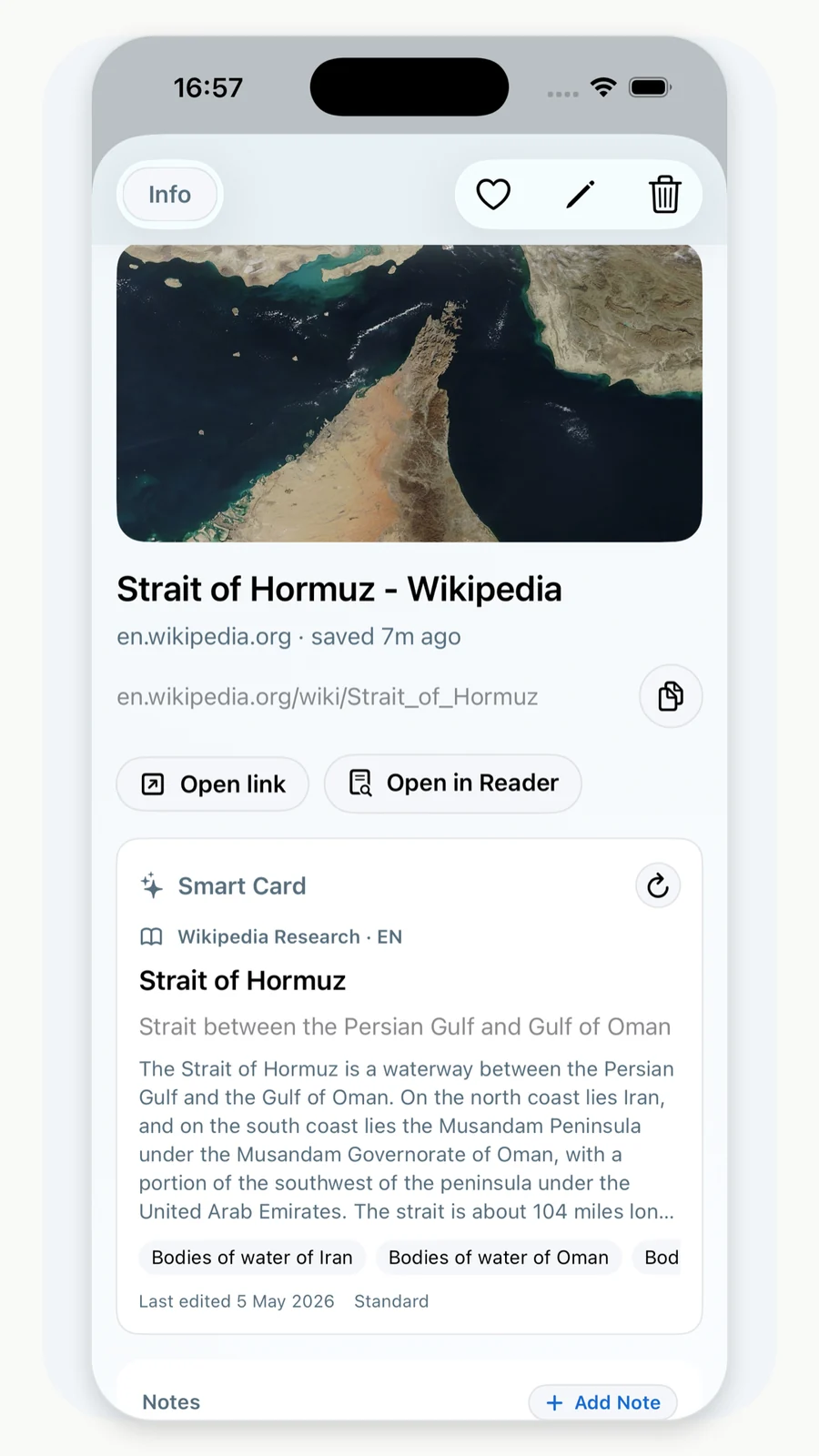
- How Smart Cards help with supported AI chats, Reddit threads, and reference links.
- Where LinkBook fits beside citation managers and read-it-later tools.
Why mobile research gets lost
The phone is where much of the discovery happens: an article in Safari, a TikTok or Reddit thread, a shared AI chat, a PDF in Mail, a product page in Messages, a real-estate listing, or a travel link. The problem is not capture. The iPhone can save almost anything somewhere. The problem is preserving the reason the source mattered.
Tools like Zotero and Readwise Reader show that serious readers and researchers need more than raw URLs: libraries, notes, annotations, PDFs, EPUBs, and highlight workflows all matter. LinkBook takes that idea into a personal iPhone saved-link library that is lighter than a formal citation manager but more useful than browser bookmarks.
LinkBook keeps that same research mindset lightweight on iPhone: save the source, add context, and return to the exact material when you need it again.
Turn saved links into a research library
Save sources from the Share Sheet, add notes while the reason is fresh, then group links, PDFs, EPUBs, highlights, and Smart Cards into folders you can actually search later.

The LinkBook research workflow
1. Capture from the app where discovery happens
LinkBook's iOS Share Sheet flow is the first step. Save useful URLs from Safari and other apps before they disappear into tabs, messages, or history. The app also supports file import workflows for PDFs, EPUBs, images, and other files, so the library is not limited to web pages.
2. Add the note before you forget the reason
A research link without a note often becomes a mystery. Add a short reason at capture time: "source for pricing section", "compare later", "good quote", "opposing argument", "recipe variant", or "ask expert".
3. Use folders for projects, tags for retrieval
Folders give a project home. Tags create retrieval paths across projects. A folder might be "AI sourcing article"; tags might be "citation", "quote", "data", "counterpoint", or "follow-up".
4. Search by words you actually remember
LinkBook search can retrieve saved items by title, URL, notes, folders, and richer fields. It also supports exact phrases, OR-style matching, exclusions, typo recovery, and Reader text where available.
Where Smart Cards help research
Smart Cards are useful when the saved source has structure that should be visible before you reopen it. LinkBook supports many Smart Card types, and research-heavy users get the most value from cards that preserve source context.
- AI chat source packs: supported shared ChatGPT, Gemini, Claude, Qwen, and DeepSeek links can keep prompt and response context closer to the source list.
- Reddit threads: save discussion links with more context than a bare title.
- Wikipedia and research references: keep reference-style saves easy to recognize.
- Real estate, Airbnb, finance, and market links: turn comparison-heavy research into scannable cards where supported.
- Recipes and videos: keep ingredients, steps, or video context available when the source is supported.
Example: verify an AI answer with saved sources
AI answers are useful, but research work still needs sources. A practical iPhone workflow looks like this:
- Save the shared AI chat to LinkBook if the conversation is worth keeping.
- Save each source page separately, not only the AI answer.
- Add a note to each source explaining what claim it supports.
- Put the chat and sources in one folder.
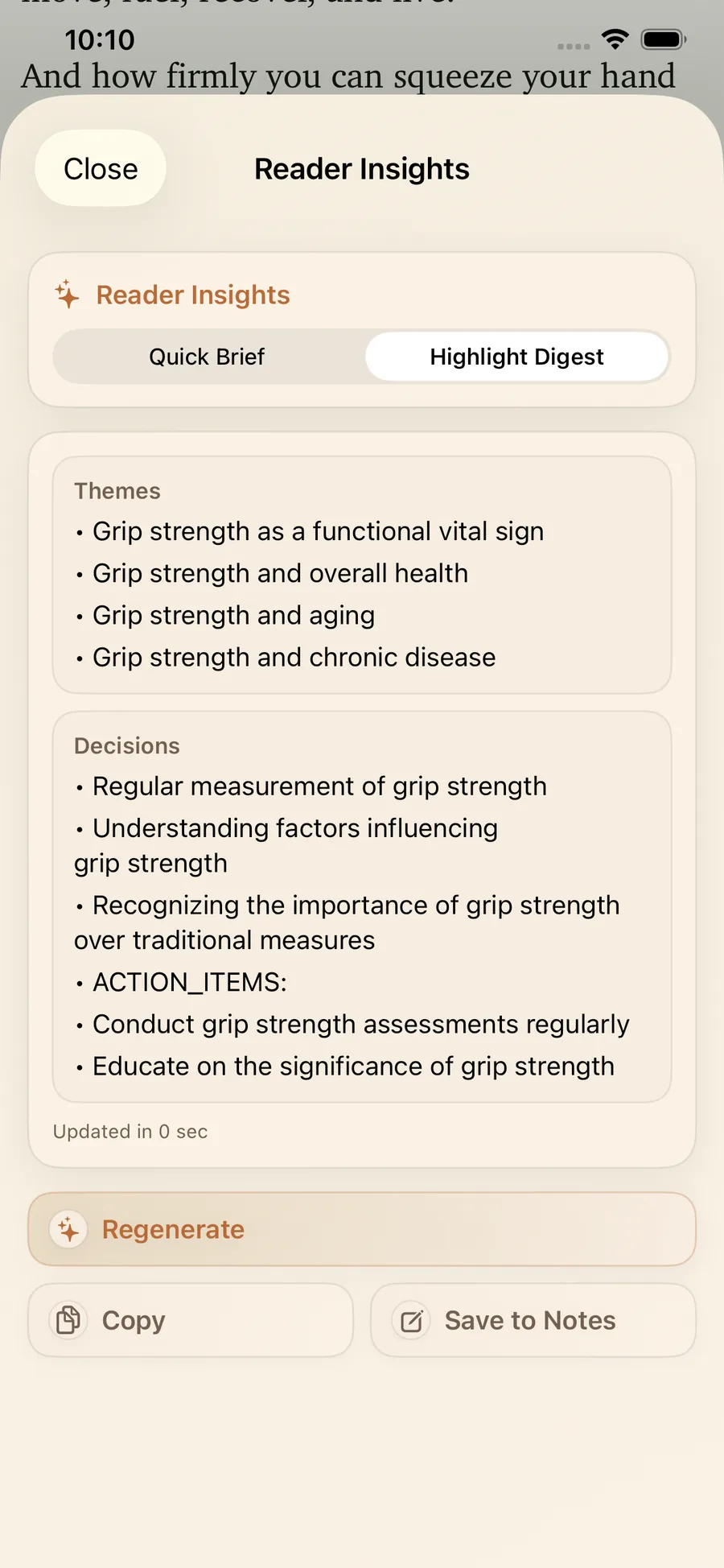
- Use Reader Mode for long source articles and highlights for key passages.
- Search the folder later by the claim, source domain, note, or highlighted phrase.
Use LinkBook beside, not instead of, specialist tools
| Tool type | Use it for | Where LinkBook fits |
|---|---|---|
| Citation manager | Formal bibliographies, academic citation styles, paper metadata | Early source capture, mobile organization, notes, Smart Cards, and reading context. |
| Read-it-later app | Article queues and reading inboxes | Mixed source libraries that include articles, PDFs, EPUBs, AI chats, social links, and notes. |
| Notes app | Drafting ideas and writing summaries | Keeping the source link, title, preview, folder, highlight, and note attached to the saved item. |
| Browser bookmarks | Quick navigation shortcuts | Research links that need context, search, backup, privacy controls, or richer previews. |
A folder system that stays searchable
Keep the system plain. Overbuilt taxonomies fail on phones because capture has to be fast.
- Project folder: one folder per active decision, paper, trip, product comparison, or research question.
- Status tags: "read", "unread", "quote", "verify", "follow-up", "strong source", "weak source".
- Source notes: one sentence explaining why the source is saved.
- Favorites: only for sources you expect to reopen repeatedly.
- Hidden folders: a privacy control for research that should not appear in the main visible library.
- Backup checkpoints: run a backup before major imports or large cleanup passes.
FAQ
Is LinkBook a citation manager like Zotero?
LinkBook is best used before the bibliography stage: collect sources, review PDFs and notes, then move formal citations into your citation manager when you are ready to write.
Can I save PDFs and EPUBs with research links?
Yes. LinkBook supports file import workflows for PDFs and EPUBs, and the app includes reader and highlight workflows for long-form reading.
Can LinkBook help with AI source verification?
It can help you keep AI shared chats and their supporting source links in one folder, with notes, search, and Smart Cards where supported. It does not verify claims automatically for you.