
TikTok Workflow
Save TikTok Videos and Watch TikTok Later on iPhone with LinkBook
If you have tried to save TikTok videos by copying links into Notes, texting them to yourself, or relying on browser bookmarks, you already know what happens next: they disappear. LinkBook gives you a cleaner system to save TikTok links, organize them, and watch TikTok later.
In this guide
- Why TikTok links get buried fast.
- How to save TikTok links and organize them in LinkBook.
- How to re-open and watch TikTok later in seconds.
- How tags, folders, and search keep your library usable.
The problem: TikTok links get buried fast
TikTok is built for endless scrolling, not for coming back later.
- You tap Share then Copy link, then paste it somewhere random.
- You send it to a chat so you do not forget, then it gets buried.
- You keep too many tabs open and lose context on what each link is.
- When you want to rewatch, you cannot find it quickly.
If you save a lot of links, a single pile will eventually fail. You need a simple system that stores context and stays searchable.
Try LinkBook on iPhone
Install in 30 seconds, save your first link from Share Sheet, and see Smart Cards immediately.

The solution: save once, organize, rewatch anytime
LinkBook works like a lightweight watch-later library for TikTok links:
- Save the TikTok link.
- Add tags or place it in a folder.
- Search and re-open it later from one library.
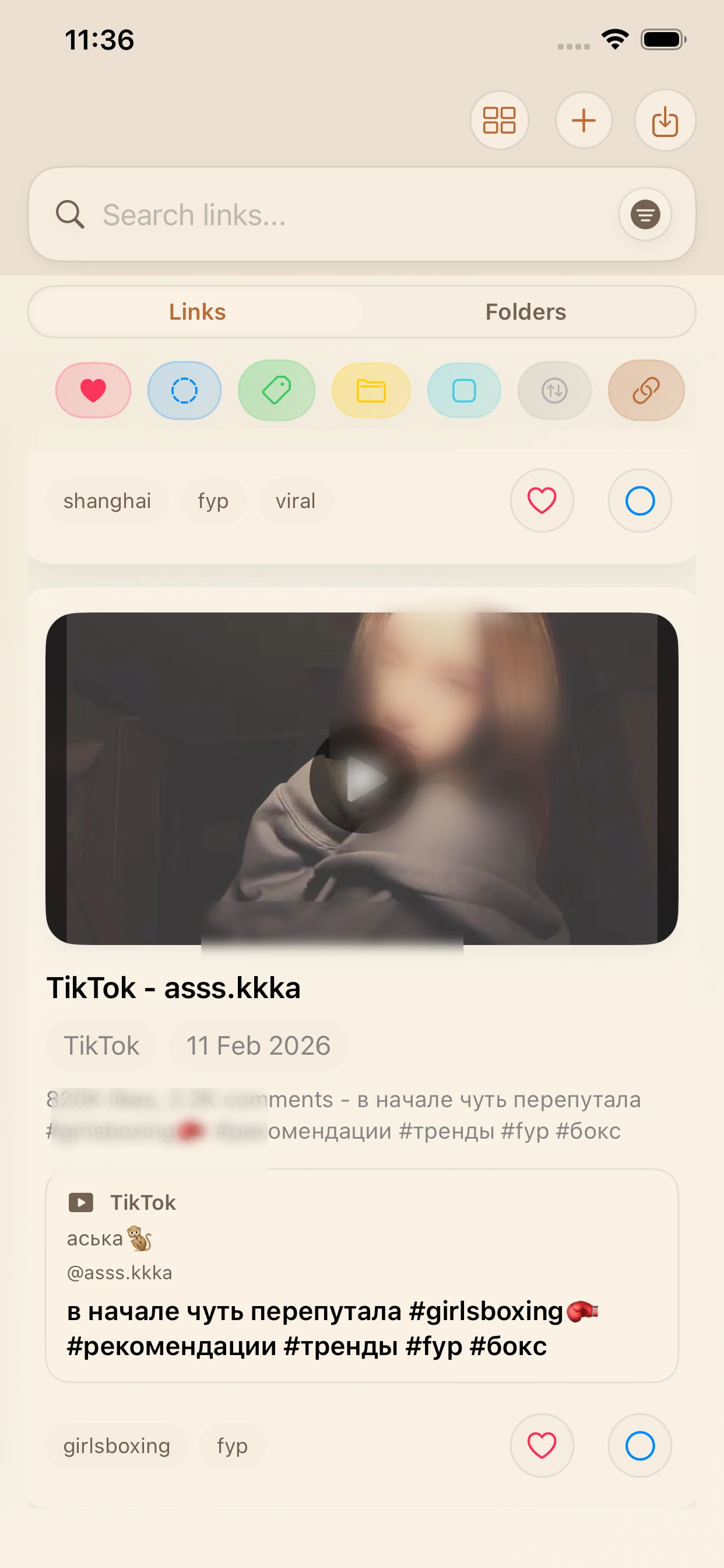
How to save TikTok videos to LinkBook on iPhone
1) Copy the TikTok link
Open TikTok, tap Share, then tap Copy link.
2) Save the link in LinkBook
Open LinkBook, tap the add button, paste the TikTok link, and save. If you save often, do this immediately after copying so links never get lost.
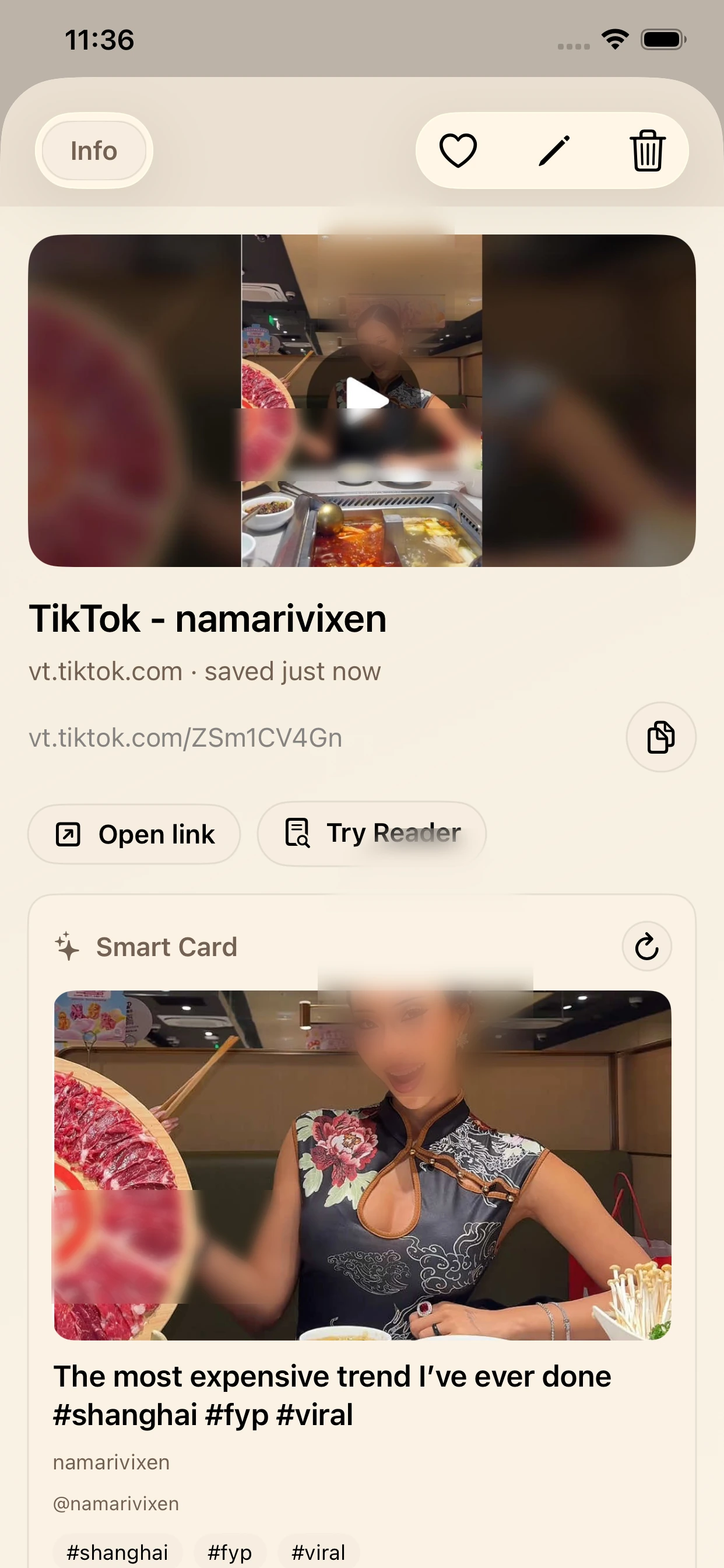
3) Add tags or move into a folder
Add tags you will actually search later, like recipes, gym, travel, fyp, or viral.
Use folders for bigger groups like Food, Fitness, Shopping, or Ideas. Even one useful tag can save you time later.
4) Re-open and watch TikTok later
Open LinkBook, use Search by keyword, tag, or creator, tap the saved TikTok card, then press play.
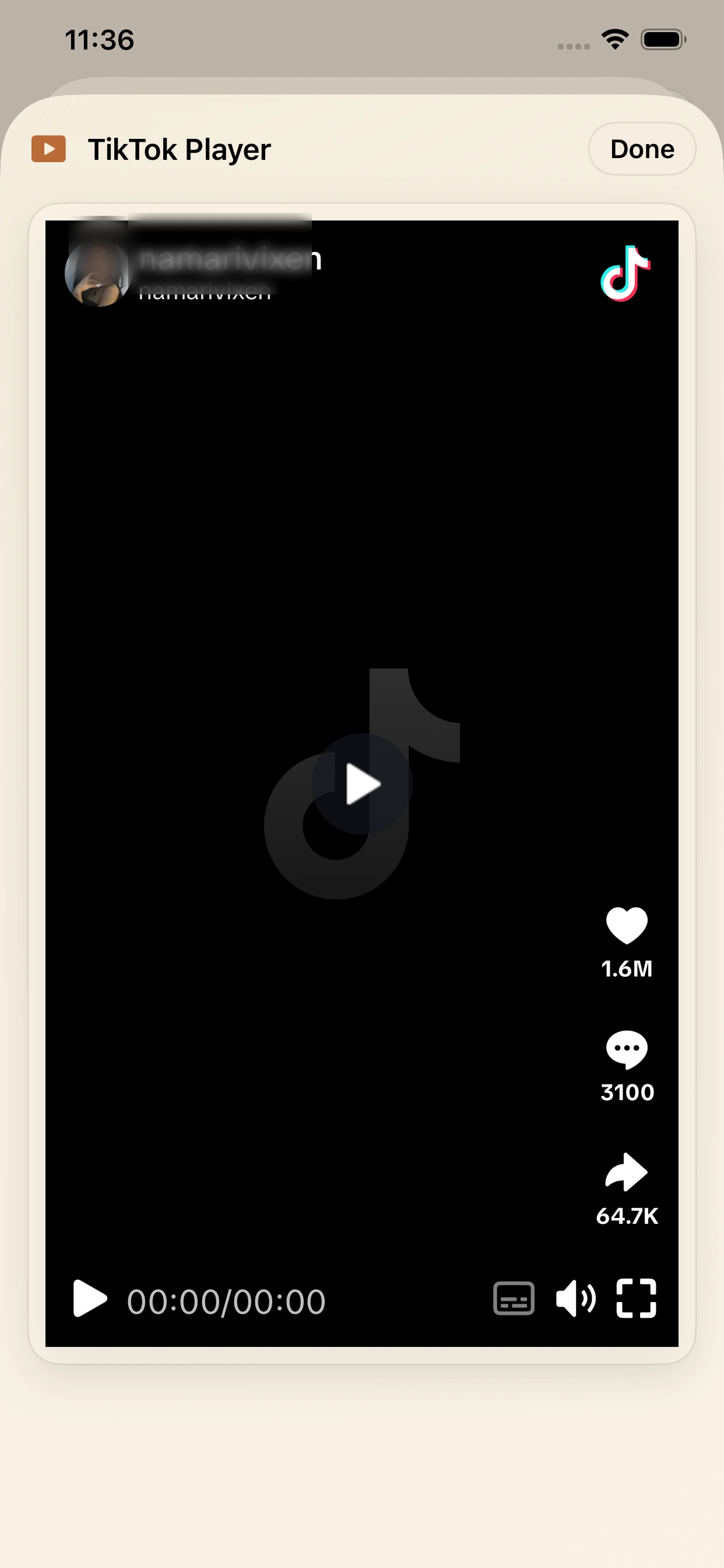
Note: LinkBook saves TikTok links, not downloaded video files. Playback depends on the original TikTok being available.
Why this workflow works
Tags for flexible categories
One video can belong to multiple topics, so tags keep organization flexible.
Folders for bigger buckets
Folders keep broad collections tidy when your library grows.
Search for speed
Search by tag, keyword, creator, or topic when you only remember part of a video. This is the difference between "I saved it somewhere" and "I found it in five seconds".
For a broader overview of context-rich saves, read Smart cards for saved links.
Quick troubleshooting
- Cannot find a saved TikTok: search by tag, keyword, or creator handle.
- Saved link is in a different place: clear filters and check your recent folder.
- TikTok will not play: the video may be private, deleted, or moved.
For faster saving habits from any app, see How to save links on iPhone.
FAQ
Can LinkBook download TikTok videos to my camera roll?
LinkBook saves TikTok links so you can re-open them later. It does not claim to download video files offline.
What's the easiest way to save TikTok links on iPhone?
Use TikTok Share, copy link, open LinkBook, paste, and save. Then add a tag or folder for retrieval.
Is LinkBook a TikTok bookmark app?
Yes. LinkBook works as a TikTok bookmark app with tags, folders, and search for fast re-access.
How do I organize TikTok links so I can find them later?
Use folders for broad categories, tags for detail, and search for quick retrieval.
Why can't I watch a saved TikTok anymore?
If the creator deleted or privatized the video, the link may stop working anywhere.
Download LinkBook and start saving TikToks the organized way
Save TikTok videos as links, tag and folder them, and watch later from one clean iPhone library. Download LinkBook on the App Store.

Scan to download
App StoreReady to build your link library?
Download LinkBook and start saving in seconds.