
Built for fast capture, zero clutter

The iPhone bookmark manager for mixed-source links.

LinkBook turns scattered links from social, news, AI tools, and research into one organized, searchable library.

Save from any app, sort with folders and tags, then recover context fast with Smart Cards and Reader Mode.

Download on the App Store
Scan to download LinkBook

Scan to download

App Store
Private by design Works offline Sync-ready
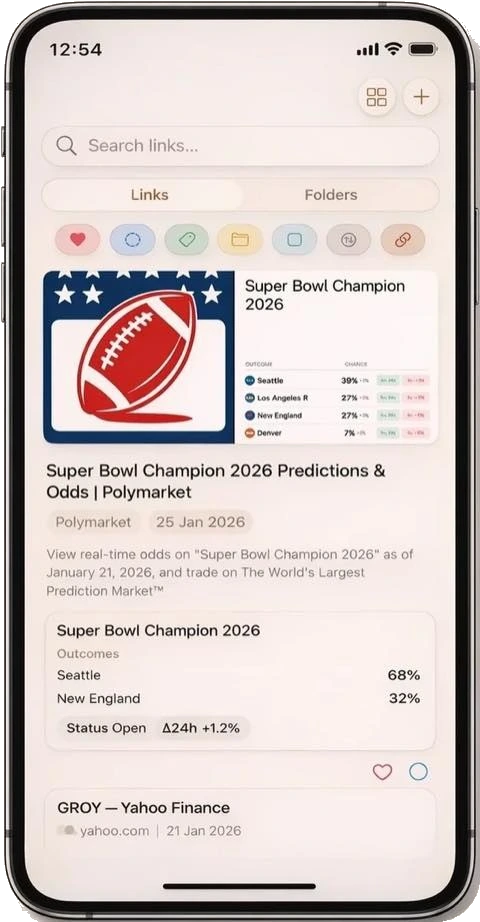
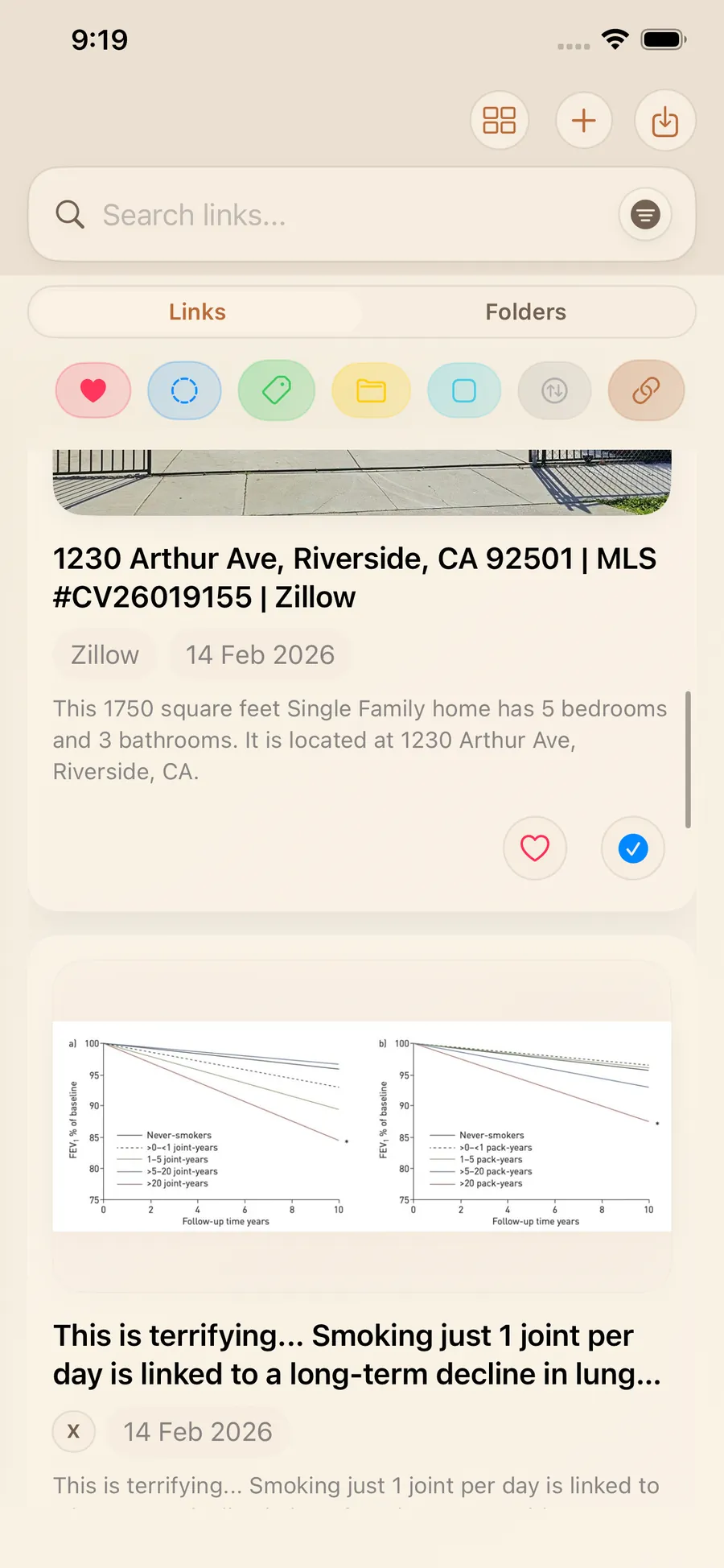
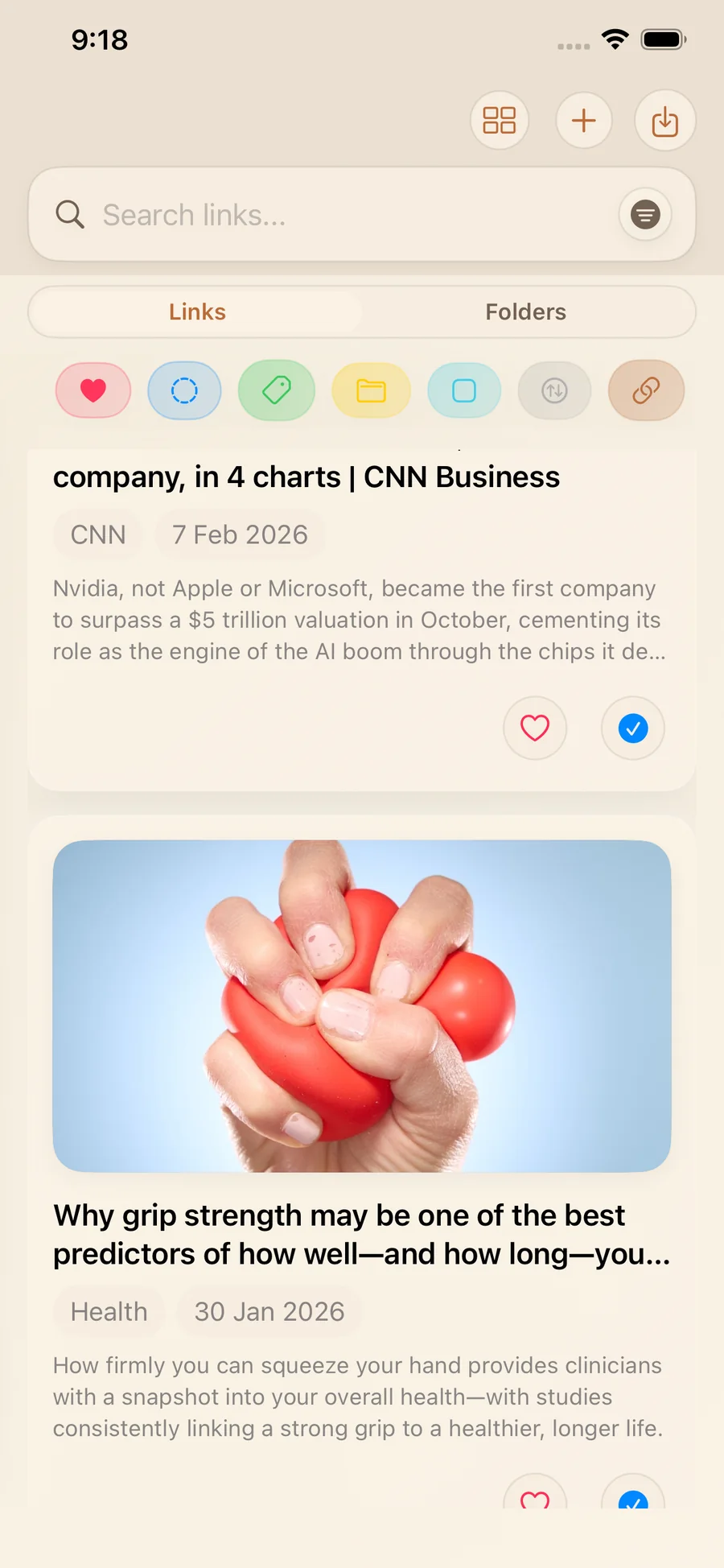
LinkBook links view showing smart cards and link previews

A smarter iPhone bookmark manager for real daily use.

LinkBook is built for people who save links all day and need to find them again fast.

LinkBook helps you save links from the iOS Share Sheet or add them manually with titles, notes, tags, and folders. Instead of a messy list of URLs, your saved content is enriched with metadata like page title, site name, description, and preview images, so each item is easier to scan and easier to trust when you return to it later.

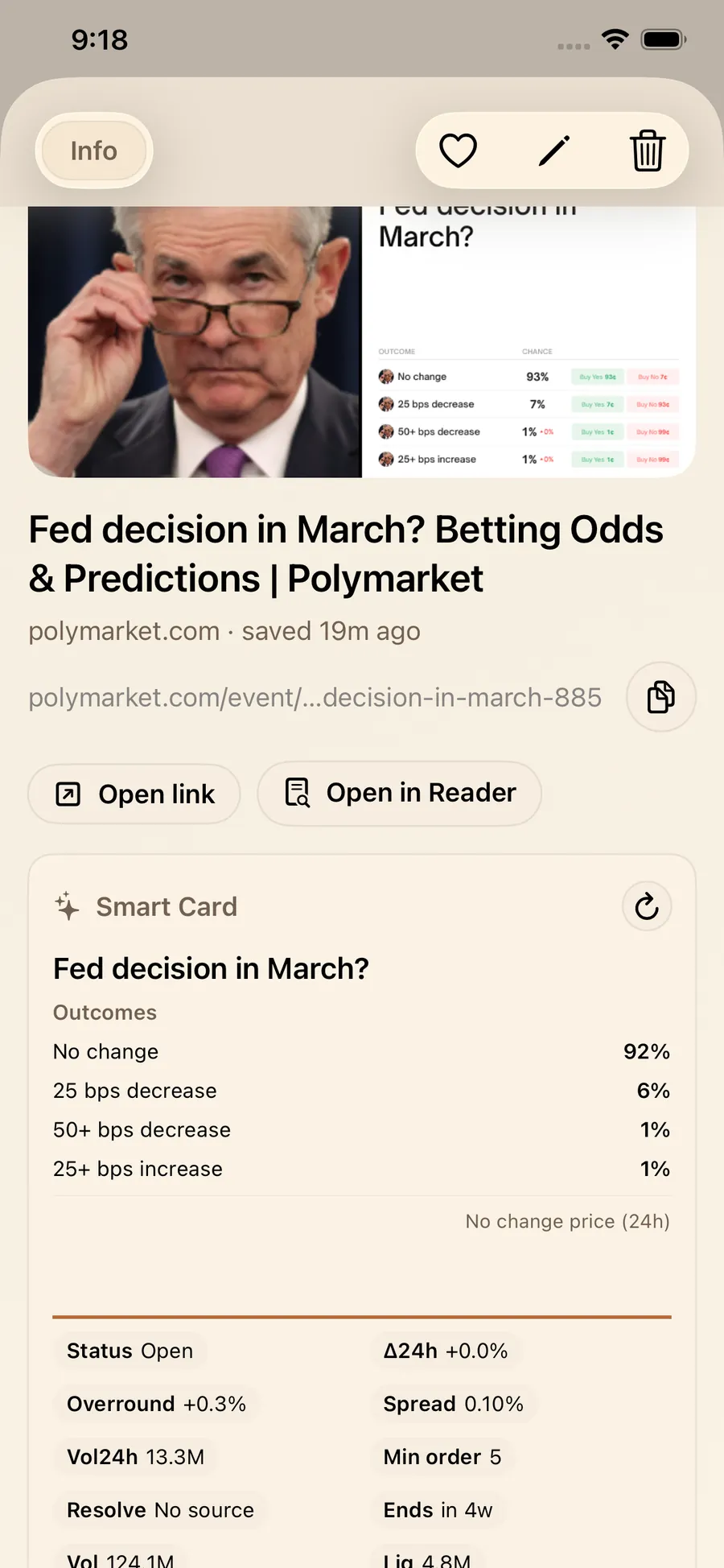
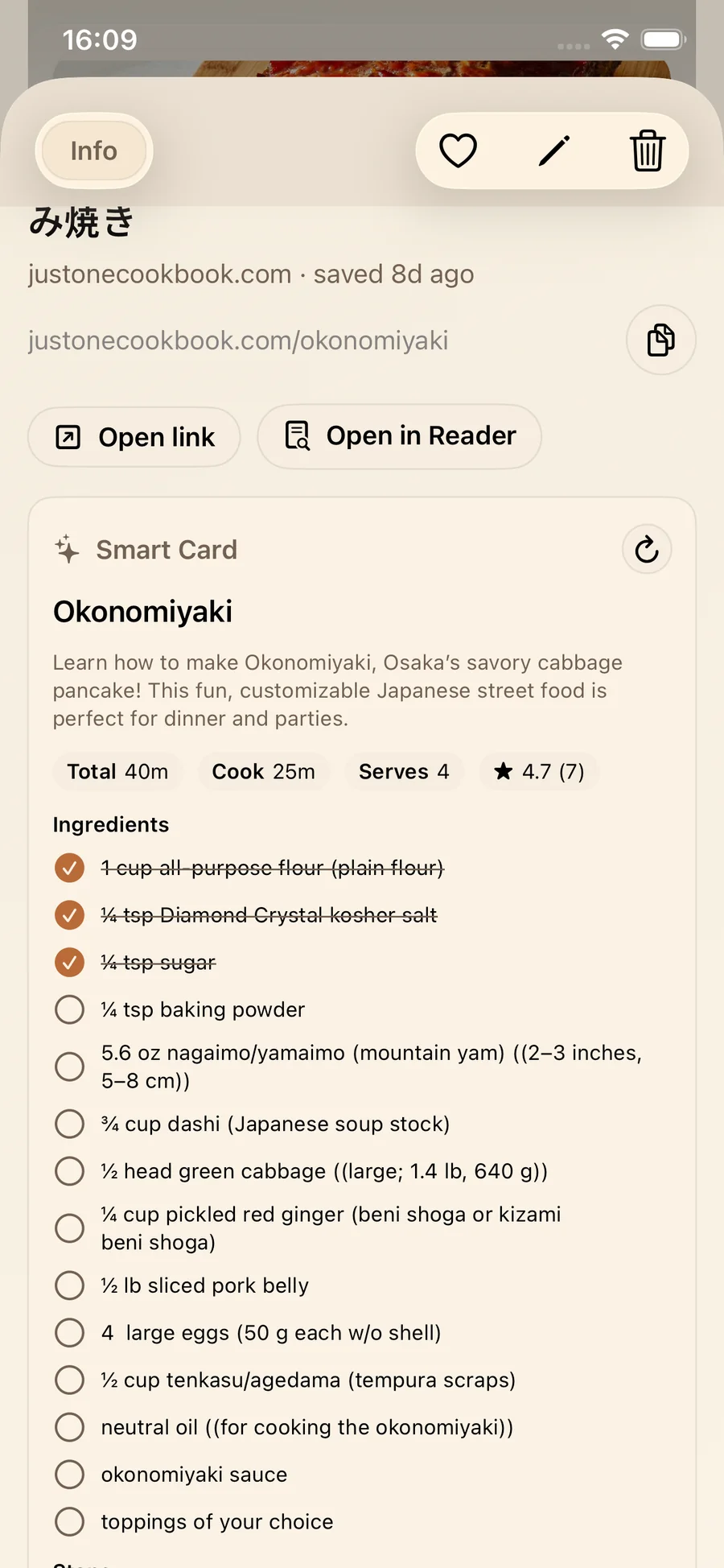
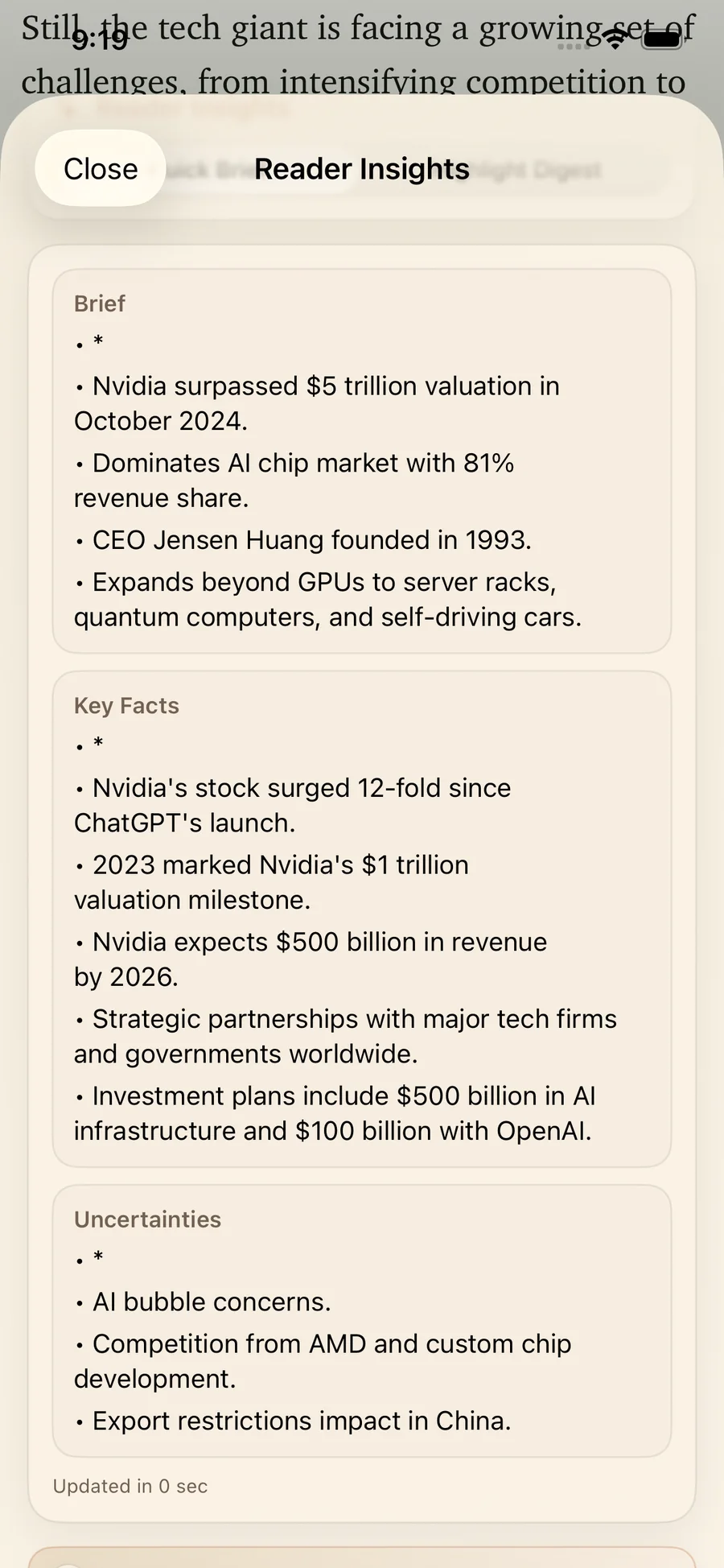
As your library grows, LinkBook gives you powerful organization tools without complexity. You can search by keyword, filter by tag, folder, or source, and quickly switch between unread and favorite links. Smart Cards add structured previews for supported content, making research links, social posts, and reference pages more useful at a glance and reducing the time it takes to reopen context.

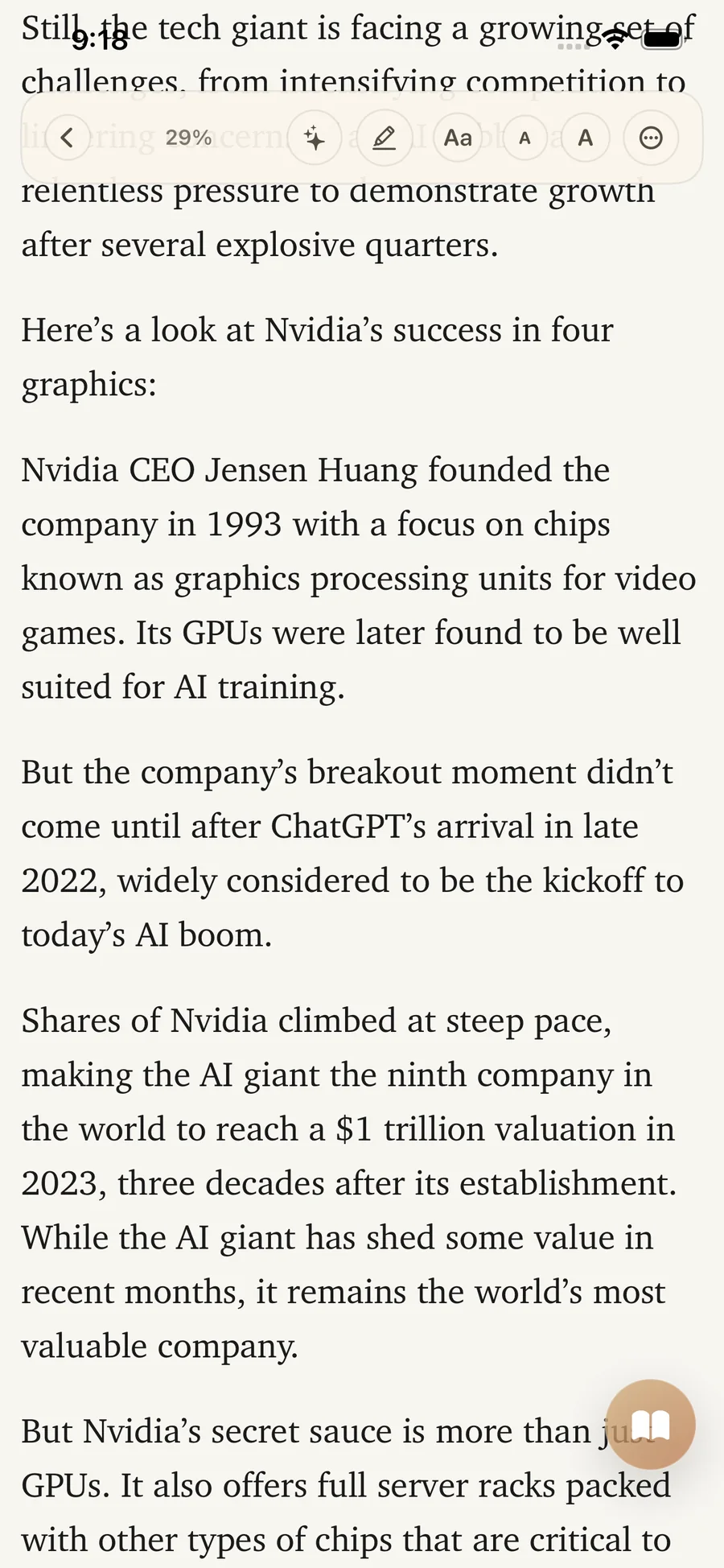
For longer reading sessions, Reader Mode creates a cleaner reading experience with highlight support, progress tracking, and better focus. LinkBook also supports imported PDF and EPUB files, so your reading library and saved links can live in one place. The app is local-first and private by design, with encrypted on-device storage and offline-friendly workflows, plus premium options like local encrypted backups, folder grouping, and expanded Smart Card capabilities.

Frequently asked questions

Quick answers about saving, search, privacy, and premium features.

How do I save links from any iPhone app?

Use the iOS Share Sheet and choose LinkBook. You can also add links manually inside the app with title, notes, tags, and folders. See the step-by-step iPhone guide.

Can LinkBook read PDF and EPUB files?

Yes. LinkBook includes in-app readers for PDF and EPUB files with reading controls and highlight support. PDF and EPUB import is included with Premium. Read the Reader and Book Mode guide.

What does Smart Cards support?

Smart Cards support sources like GitHub, Reddit, X, TikTok, Spotify, Pinterest, LinkedIn, Twitch, Wikipedia, ChatGPT shared chats, Gemini, recipes, stocks, and prediction markets. Browse Smart Cards examples.

Can I read saved links offline?

Reader Mode opens saved web links in a cleaner layout. Premium can auto-save eligible article text so you can read it later offline. Learn how offline reading works.

What is included in Premium?

Premium includes folder grouping, hide links and folders, unlimited Smart Cards, encrypted local backups, private iCloud sync, and PDF and EPUB import. Compare plans and capabilities.

Is my data private and encrypted?

LinkBook is local-first and stores your library on device with encrypted local storage. The app fetches metadata and smart content only for links you choose to save. Read more about LinkBook's privacy-first approach.

Popular LinkBook Guides

Direct links to our most important guides for saving, organizing, and finding links faster.

Swipe to browse guides

Build your link library today.

Join LinkBook and never lose a great link again.

Download on the App Store