
Read Saved Links on iPhone: Reader and Offline Copies
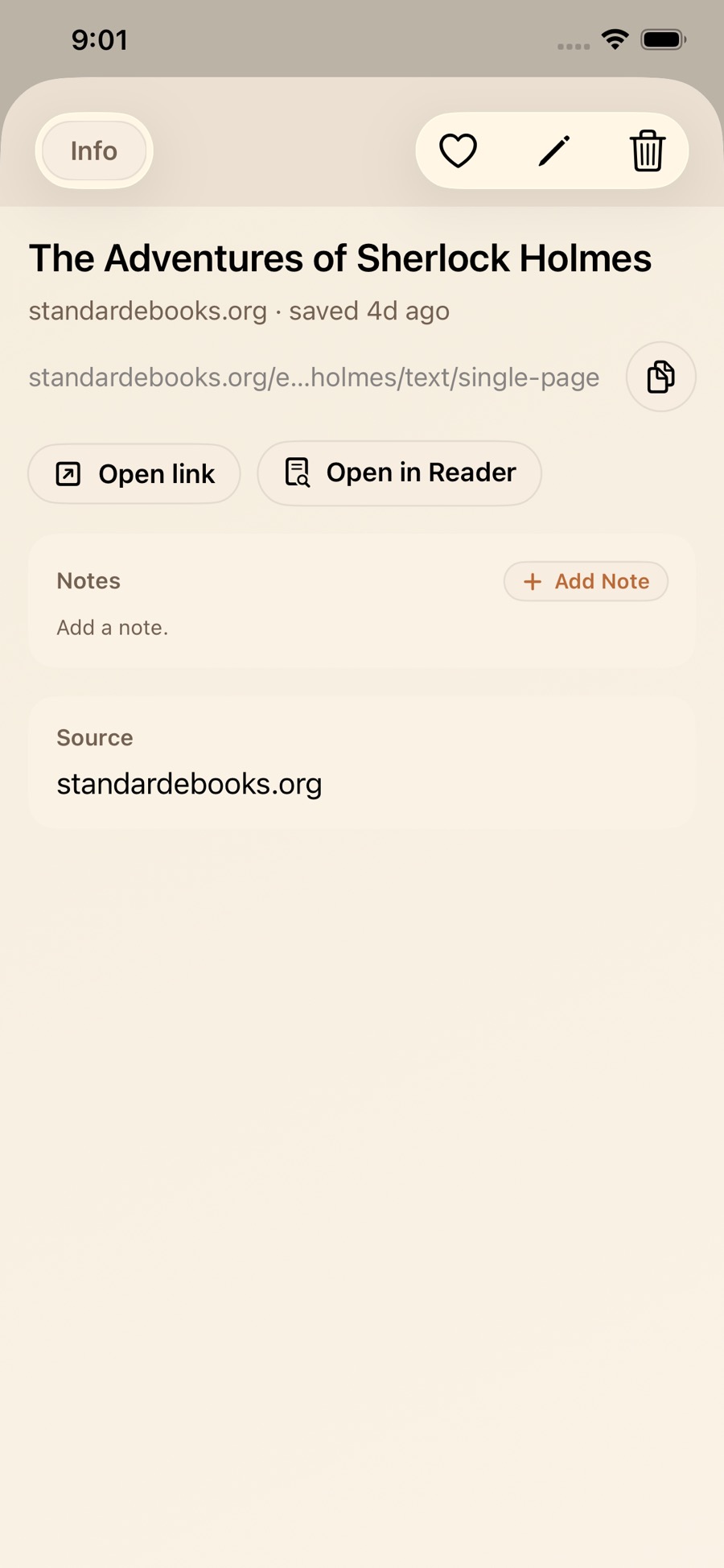
Open a saved article in Reader while online and confirm the text is available before you need it offline. LinkBook can keep eligible article copies and reading progress, but saving a link alone does not download every page or its media.
Save a reading copy
- Save an article’s link to LinkBook and open its detail view.
- Open Reader while you have a connection. Check that the article’s actual text loads.
- Use the saved offline copy when it is available, then reopen the article without a connection before relying on it for a trip.
- Keep the original link for pages whose layout, media or access requirements do not work in Reader.
Read comfortably and return to your place
Reader provides a cleaner view for eligible article text. Adjust the reading settings, select text to highlight it, and attach a note when it helps. Reading progress lets you return to the same article later.
PDFs and EPUBs are reading files rather than web pages. Download or import them on each device before going offline. Follow the EPUB guide or read a PDF on iPhone.
What can still need the internet
Saving a URL is not the same as downloading its contents. Reader extraction can fail on login-only pages, unsupported layouts, short pages, or content delivered mainly through scripts. Embedded videos, live information and external images may need a connection. Imported files need to finish downloading before you can depend on them offline.
Keep the original file or page if Reader cannot show what you need. iCloud sync may show a reading-file record before that device has downloaded the file.
When Safari Reading List is enough
Safari already supports offline Reading List articles. Use it for a simple reading queue. LinkBook is useful when your articles belong with notes, tags, files or recipes in one library. Apple’s Reading List instructions explain its offline setting.
Book Mode, file import and automatic saving of eligible article text are Premium features. Ordinary saved-link capture and manual local backup are available in the free download.
Related guides
Download LinkBook