New in LinkBook 4.1.4
Reading on iPhone Duo: books and PDFs as a two-page spread
LinkBook is a book app made for iPhone Duo. Open the phone and the EPUB, PDF or article you are reading becomes two pages side by side, meeting where the phone folds. Close it and you are still on the same page, with nothing hidden under the clock and camera at the side of the outer display.
Your books, PDFs and the articles you save from Safari sit in one library that syncs with your iPhone, iPad and Mac.

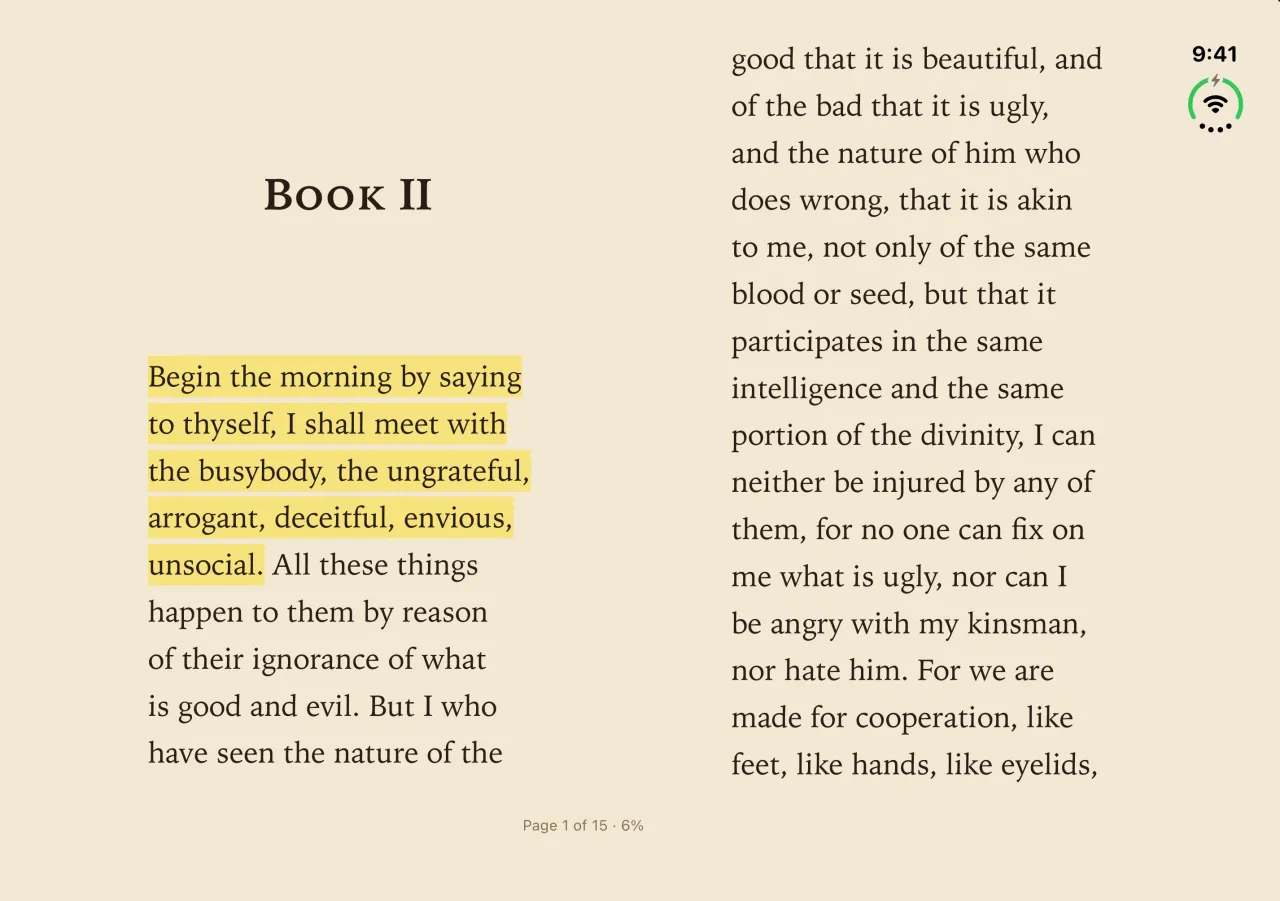
Open: a book becomes two pages
Open iPhone Duo with Book Mode on, and LinkBook lays the text out as two pages side by side, like a printed book. Turn it on once and it stays on for the next book you open. The pages meet in the middle, where the phone folds, with a margin wide enough that no word sits on the crease.
- EPUB books, with their chapters, covers and pictures.
- Articles you saved and opened in Reader.
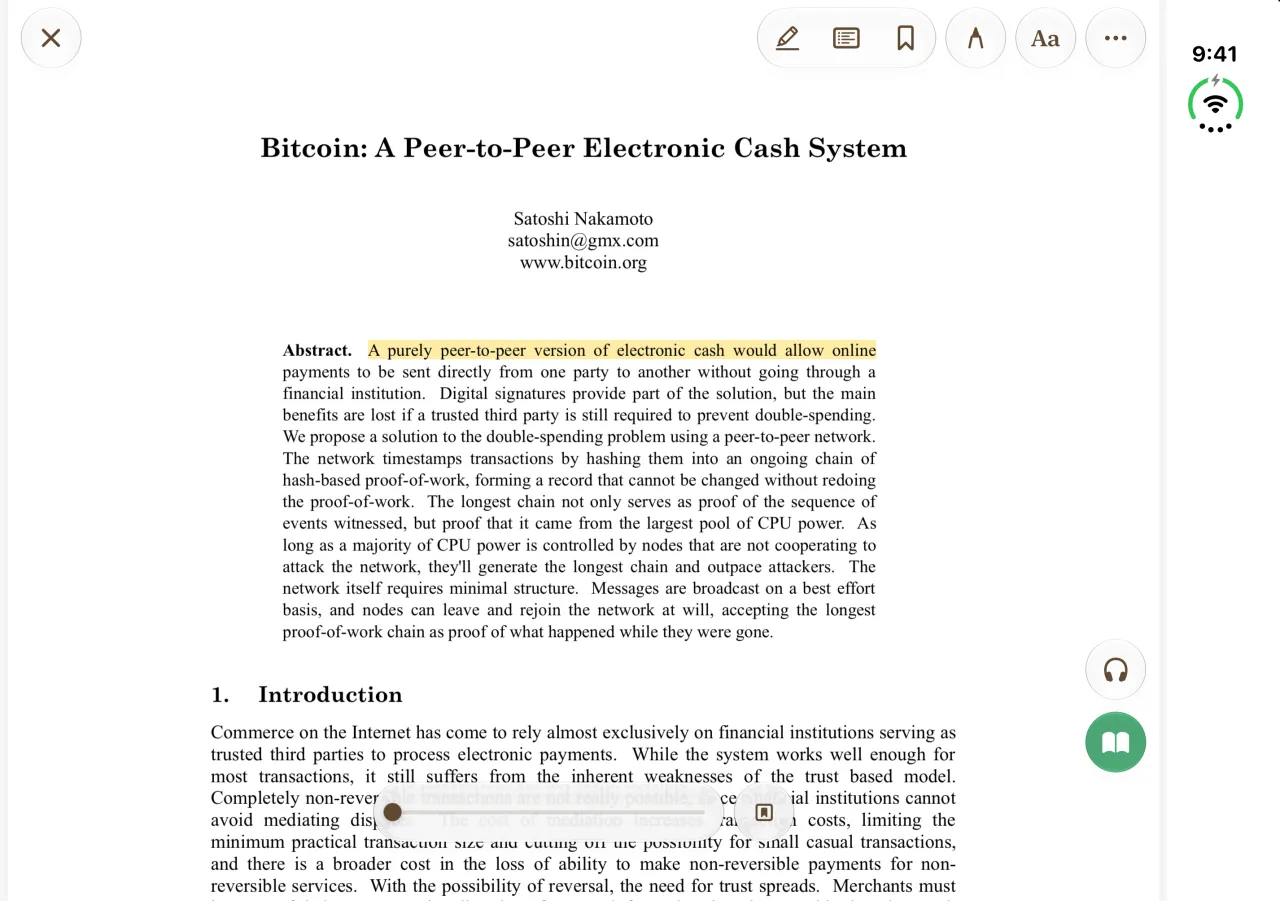
- PDFs in Text View, which reflows a PDF’s words into readable text.
Swipe or tap the edge of a page to turn it. Highlights, notes, search, the Book Navigator and Listen work as they do on any iPhone.
Fold and unfold without losing your page
Folding changes the screen from two pages to one and back, so the text has to be laid out again. LinkBook keeps hold of the words you were reading while it does:
- In Book Mode, it turns to the page that holds those words.
- In scroll mode, it puts the line you were reading back where it sat on the screen.
That holds even when you fold straight after a search or a jump to a highlight. With iCloud sync on, your place is saved with the book, so it opens there on your iPad or Mac too.
Watch: LinkBook on iPhone Duo in 50 seconds
The film goes from saving links on the closed phone to reading a book as two pages, listening to it and folding the phone shut. Every screen is LinkBook 4.2. More on saving links on iPhone and on Listen.
Partly folded: nothing on the crease
Hold iPhone Duo partly folded, like a book in one hand, and LinkBook keeps the words off the fold:
- Book Mode keeps one page on each side of the fold.
- Scroll mode moves its column to one side of the fold, so no line runs across it. Flatten the phone and the column returns to the middle, on the same line.
- On the Folders page, folders sit on both sides of the fold, never on it.
Closed: the outer display
Closed, iPhone Duo’s outer display keeps the clock, battery and camera in a strip down its side. LinkBook keeps its library, its readers and PDF pages clear of that strip, so nothing you read sits under the camera. Book Mode shows one page at a time here, as on any iPhone held upright.
PDFs on iPhone Duo
A PDF opens on its own pages, as it was printed. When you open or close iPhone Duo, the page refits to the new screen and keeps clear of the strip at the side on both displays. To read a long PDF as two pages, tap the book button to read it in Text View with Book Mode. Highlights you make on the page are saved in the PDF itself. More in reading PDFs in LinkBook and writing on PDFs.
Your books on the big display
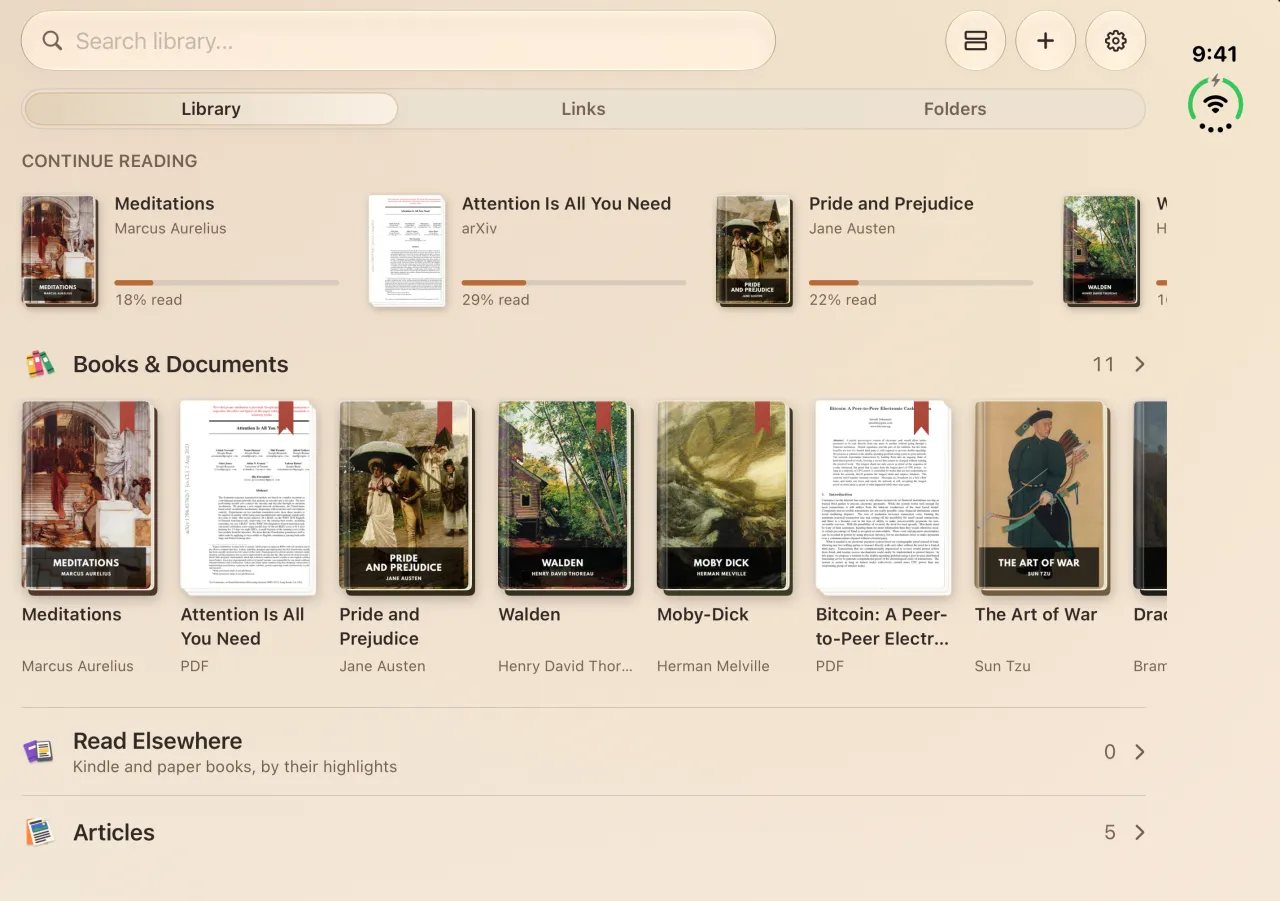
With the phone open, the Library page shows more of your reading at once: Continue Reading with how far you are in each book, your covers under Books & Documents, and Read Elsewhere, Articles and Highlights below. On the Links page, the Card Folder layout shows each saved link as a folder with its picture, several across on the open display. Drag one saved link onto another to make a folder, with the phone open or closed.
Bring your books to iPhone Duo
- Install LinkBook from the App Store, or update to 4.1.4 or later if you already use it.
- With iCloud sync on, your links, books, highlights and reading places come from your other iPhone, iPad or Mac. You can also restore a LinkBook backup.
- Import DRM-free EPUBs and PDFs from the Files app (how to open EPUB files), and save articles from Safari with the share sheet.
- Open a book, turn on Book Mode and open the phone.
Common questions about reading on iPhone Duo
Is LinkBook optimized for iPhone Duo?
Yes, from LinkBook 4.1.4. On the open display, Book Mode shows two pages that meet at the fold. On the outer display, the library and the readers keep clear of the clock and camera at the side. Folding or unfolding keeps you on the same page.
Does Book Mode show two pages on iPhone Duo?
Yes, on the open display: EPUBs, articles in Reader and PDFs in Text View. Closed, the outer display shows one page at a time, like any iPhone.
Will I lose my place when I fold or unfold iPhone Duo?
No. Book Mode turns to the page with the words you were reading, and scroll mode puts the line you were reading back where it was, even right after a search or a jump to a highlight.
Can I read Kindle books in LinkBook on iPhone Duo?
No. Kindle books are tied to Amazon’s DRM. LinkBook opens DRM-free EPUB and PDF files, and it can import your Kindle highlights into Read Elsewhere.
Do I need iPhone Duo to read two pages at once?
No. LinkBook’s Book Mode also shows two pages side by side on iPad, on most iPhones in landscape and on a Mac.
A book app for iPhone Duo
Your EPUBs, PDFs and saved articles on iPhone Duo, iPhone, iPad and Mac.